Idle detection without punishing deep work
Idle thresholds work for repetitive desk work and fight against people who think. Here is the difference, and what to change in the policy so the timer respects both.

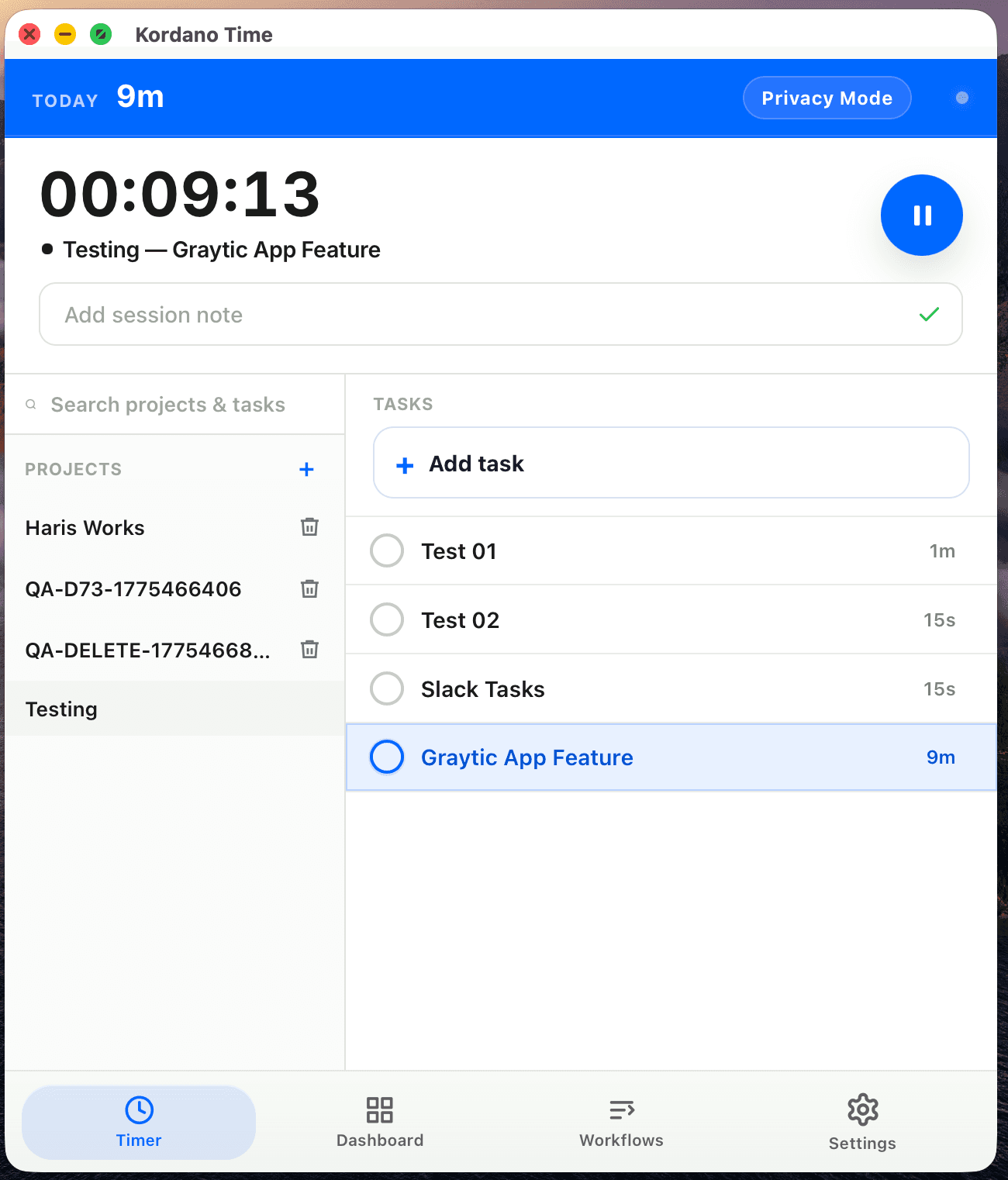
Most time trackers ship with an idle threshold of three to five minutes. Move the mouse, type something, the timer counts. Stop moving the mouse for more than the threshold, the timer pauses and starts asking questions.
That works fine for support reps, sales reps, anyone whose work generates near-continuous input. It works badly for engineers staring at a diagram, designers thinking through a flow, writers in the middle of a sentence. Their best work generates the least input. Punishing that with a popup is a way to train the team to pad activity to keep the tracker happy.
What to change in the policy
A short list of practical adjustments:
- Raise the threshold for known-deep-work roles. Ten or fifteen minutes is usually plenty. The tracker is not the manager.
- Make the recovery screen friendly. When the timer asks "where did you go?", a one-line answer should be enough. Not a form.
- Let people backfill. If they were thinking, the time is real. Adding it back should take one click, not a manager approval.
- Show idle ratios in the review, not just totals. A 90-minute session with one 12-minute idle gap reads very differently from six 10-minute gaps. The same total tells a different story.
What not to change
Do not turn idle detection off entirely. The signal is useful for the person tracking — it catches the timer that ran through lunch, the meeting that ended an hour ago. The mistake is reading idle time as a productivity score.
The goal of the timer is an honest day. Idle detection helps with honest. It should not be the day's narrator.
See how Kordano handles idle time.
Configurable thresholds, optional auto-pause, and a review screen that lets the person who did the work explain it in one sentence.
Get the next strong Kordano article without checking back.
We send practical time tracking guidance when it is ready, not filler just to hit a schedule.
Keep reading
Switching from Time Doctor with less friction
A practical migration guide for teams that want to move away from heavier tracking without disrupting manager habits, client proof, or payroll review.
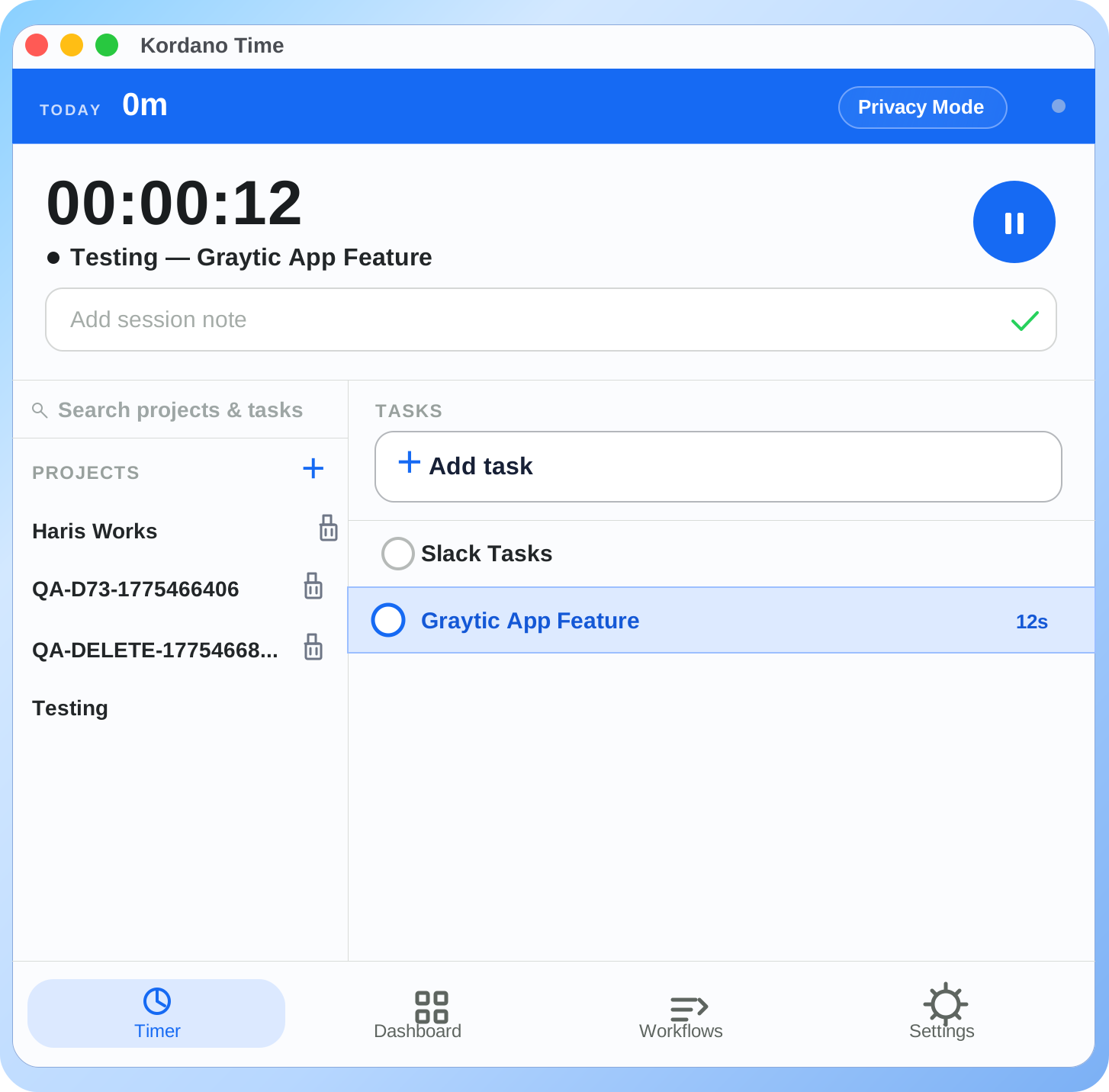
May changelog: bring-your-own-storage, configurable idle, and a calmer review screen
What we shipped in May 2026. The headline: bring-your-own-storage (AWS/GCP/Azure) is live on the Scale plan, idle thresholds are configurable per role, and the daily review screen is half its old visual weight.
Founding 100: how the program works, what's locked in, and why we're capping it
We're picking 100 teams for a $3/seat price locked for two years, free migration, direct founder access, and a permanent 20% discount after. Here is exactly how the program works.