May changelog: bring-your-own-storage, configurable idle, and a calmer review screen
What we shipped in May 2026. The headline: bring-your-own-storage (AWS/GCP/Azure) is live on the Scale plan, idle thresholds are configurable per role, and the daily review screen is half its old visual weight.

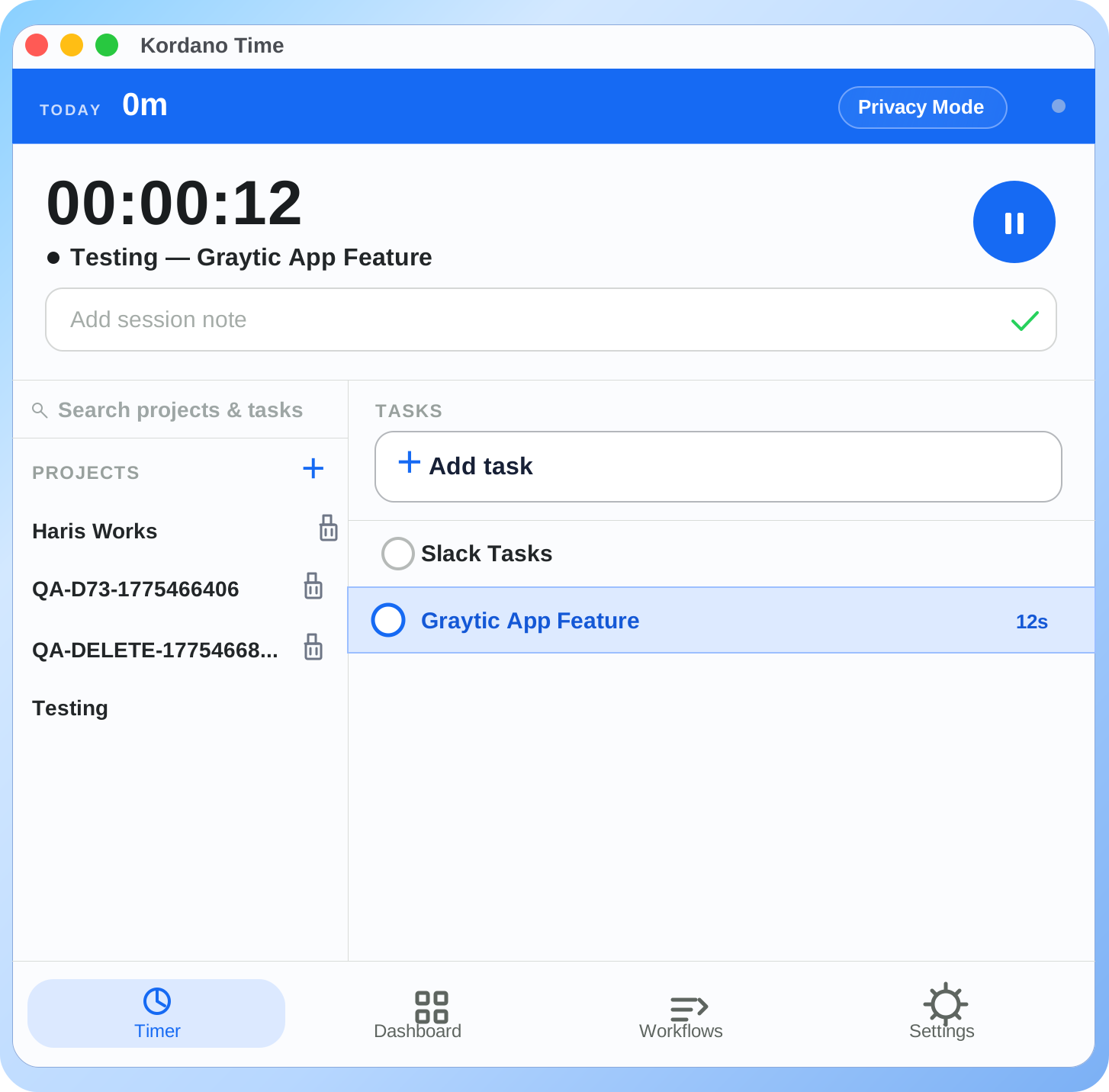
What landed in May. The order is highest-impact first.
Bring-your-own-storage is live (Scale plan)
You can now configure Kordano to write screenshot data and exported reports directly to your own AWS S3 bucket, Google Cloud Storage bucket, or Azure Blob container. Kordano holds the application; you hold the data.
Setup takes about ten minutes. You provide an IAM role with write-only access to a specific bucket, paste the ARN into Kordano settings, and from that point forward, every new screenshot is written to your storage. We never store a copy on our side.
This is on the Scale plan. We're keeping it there because the setup requires real infrastructure knowledge and we don't want a Trio or Team customer to ship themselves into a misconfigured state.
Configurable idle thresholds per role
The old default was a hard 5-minute idle threshold for everyone. Engineers and designers complained — and they were right. Their best work generates the least keyboard input.
Now, idle thresholds are configurable per role with sensible defaults: 5 minutes for support and sales, 15 minutes for engineering and design, 10 minutes for everyone else. Admins can override per person.
We also softened the "where did you go?" popup. A one-line answer is enough. No form. The recovered time goes straight to the day's record with the note attached.
Daily review screen, redesigned
The old review screen showed eight different signals on one page: total hours, idle ratio, screenshot count, app usage, project breakdown, exception list, edit history, and a productivity score. It was a wall.
The new screen shows three things by default: did the planned hours happen, were there any approval-blocking exceptions, is the day ready for payroll close. Everything else is one click away if a manager wants it.
We removed the productivity score from the default view entirely. It's still available as an optional report, but managers shouldn't see "Sara: 47% productive" as the first thing on a Monday morning. That was the wrong default.
Smaller changes worth noting
- CSV import handles Time Doctor's export format natively now (we already supported Hubstaff and Clockify).
- iOS app supports timer start from Shortcuts and the Lock Screen widget.
- Approvals dashboard remembers the last filter you used per project.
- A bug where weekly summary emails went out at 3 a.m. local time is fixed (they now send at 8 a.m.).
What's next, briefly
June: a new Founding Partner page that shows your spot number, lock end date, and benefits in one place. Also: the public launch date moves from August 21 to "this summer" — we're not pinning the exact day until the integration with QuickBooks lands.
Notes go out every other Friday. If you're on the Founding 100 list, you're already on the changelog email.
See the new review screen.
Sign up for Early Access and try the calmer review flow before the Founding 100 closes.
Get the next strong Kordano article without checking back.
We send practical product guidance when it is ready, not filler just to hit a schedule.
Keep reading
Founding 100: how the program works, what's locked in, and why we're capping it
We're picking 100 teams for a $3/seat price locked for two years, free migration, direct founder access, and a permanent 20% discount after. Here is exactly how the program works.
Kordano vs Hubstaff: an honest comparison for remote teams
Hubstaff has been the default time tracker for remote teams for a decade. Here is where it still wins, where it overshoots, and the kind of team Kordano fits better.
Idle detection without punishing deep work
Idle thresholds work for repetitive desk work and fight against people who think. Here is the difference, and what to change in the policy so the timer respects both.