Kordano vs Hubstaff: an honest comparison for remote teams
Hubstaff has been the default time tracker for remote teams for a decade. Here is where it still wins, where it overshoots, and the kind of team Kordano fits better.

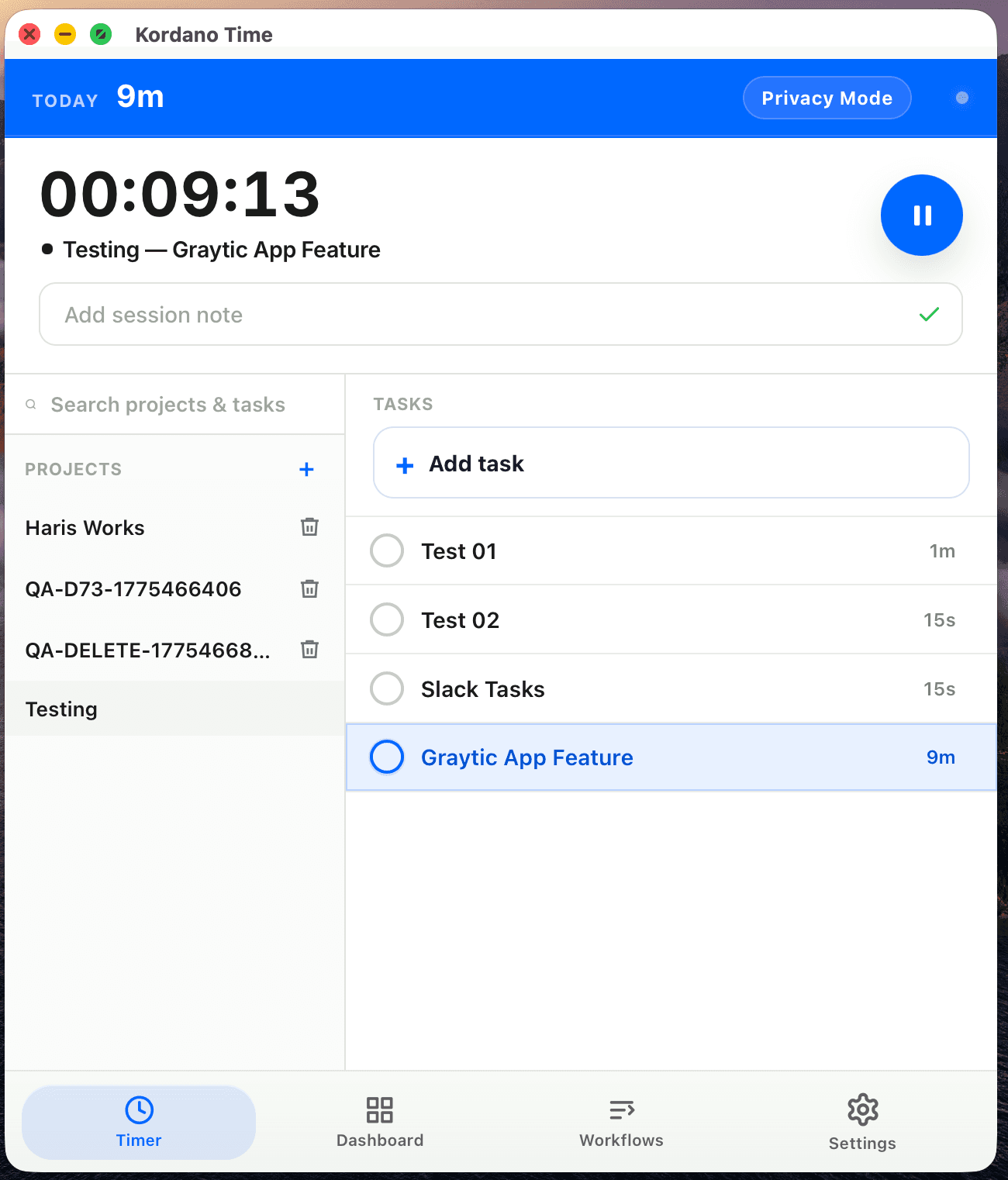
Hubstaff has been the default time tracker for remote teams since 2012. It's been built and rebuilt many times, has integrations with everything, and runs reliably on every platform. None of that is in question.
The question this post answers: where does Hubstaff still genuinely win, where has the product overshot, and what kind of team should look at Kordano Time instead.
Where Hubstaff wins
Maturity of integrations. Fifteen years of partnerships shows. Payroll connectors, project tools, accounting software — if you have an obscure stack, Hubstaff probably already speaks to it. Kordano's integration list is shorter on purpose.
Workforce GPS for field teams. If you have a field service or trades team and need actual geofencing, location stamps, and on-site verification, Hubstaff's mobile capture is mature here. Kordano focuses on desk-based remote work and doesn't try to compete in this lane.
Per-project budgeting and client billing. Hubstaff's project budget alerts, billable rate management, and client invoicing flow are solid if those are your primary needs. We do the basics; Hubstaff goes deep.
Where it overshoots
The price ladder. Time Tracking is one tier, then there's Desk Pro for screenshots, then Time + Tasks, then Hubstaff Field, and various add-ons for productivity ratings and screen recording. To get the bundle most small remote teams actually use, you end up at $12-19 per seat per month before any extras.
The activity scoring. The "productivity score" feature scores keyboard and mouse activity per ten-minute window. Designers, engineers, anyone who reads and thinks for a living comes out looking unproductive. The score is also the first thing managers see in the dashboard, which trains the wrong instincts on both sides.
The default mood is surveillance-first. Screenshots are on by default, activity scores are on by default, the dashboard surfaces who's "underperforming" before it shows who finished what. Some teams want that. Most teams should not have it as the default.
Where Kordano fits better
You're a small-to-mid remote team (6 to 50 people) doing desk-based work. You need time tracking, attendance, payroll-ready export, and optional screenshots. You do not need the surveillance dashboard. You want to pay one bundle price, not buy add-ons.
You care about where the screenshot data lives — Kordano supports bring-your-own AWS, GCP, or Azure storage on the Scale plan. Hubstaff stores everything in their cloud.
You want a real human reachable in under an hour, not a chatbot. The Founding 100 deal includes a direct line to the founder for the first two years.
What to do next
If you're already on Hubstaff and it's working: don't switch for the sake of switching. The migration tax is real.
If you're evaluating new tools and the price tiers feel like a maze, or your team is asking why their activity score is low when they shipped twice as much as everyone else, the Kordano alternative is worth a serious look. Founding 100 closes when the 100th team joins.
Switching from Hubstaff?
Founding 100 teams get $3/seat locked for 24 months, free CSV migration, and the founder's direct line. Take the Hubstaff alternative for a real test.
Get the next strong Kordano article without checking back.
We send practical comparisons guidance when it is ready, not filler just to hit a schedule.
Keep reading
Kordano vs Time Doctor: which fits your team better
Time Doctor was built for BPO and call-center floors. Kordano is built for distributed remote teams. The difference matters more than the feature list.
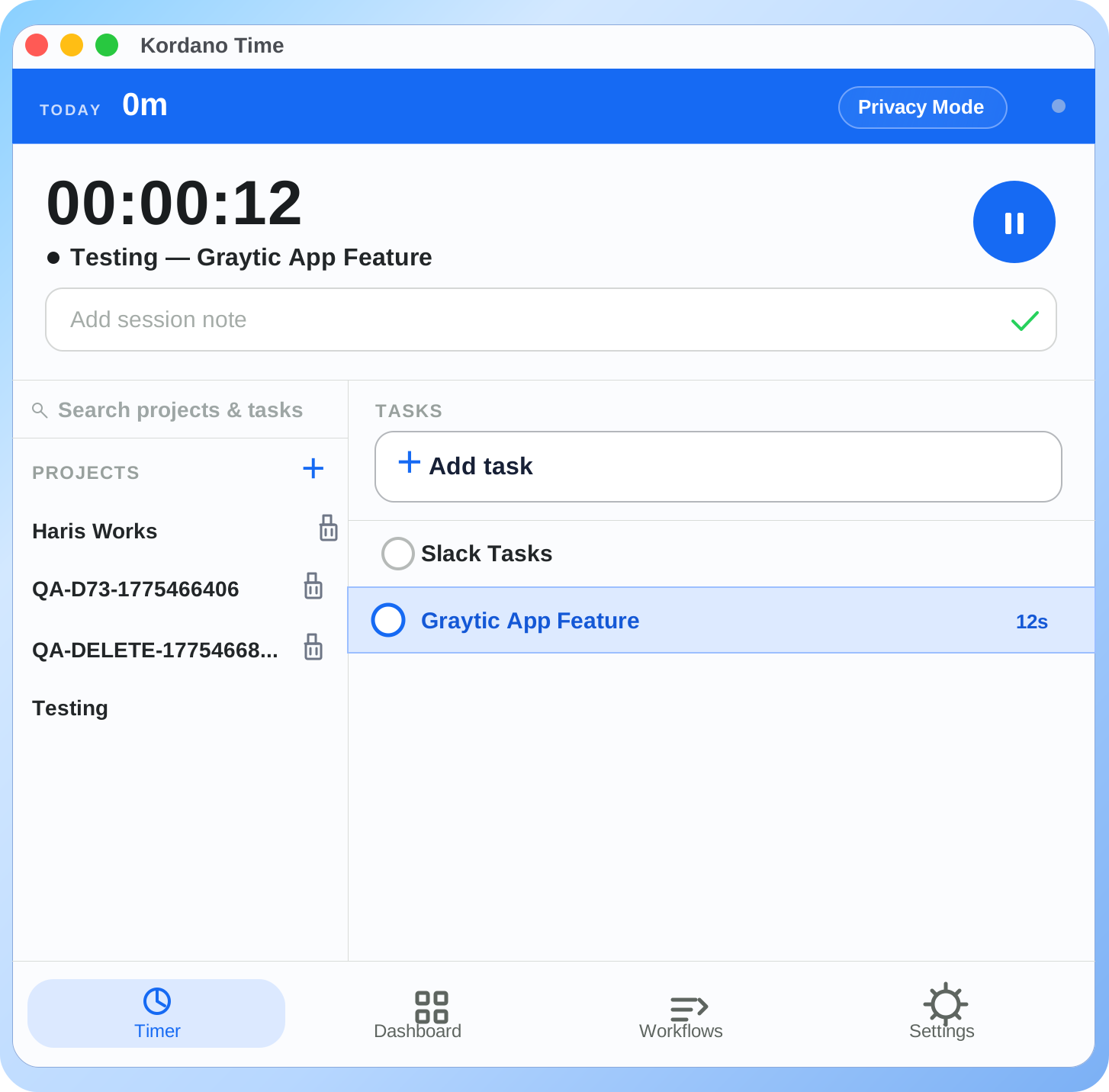
May changelog: bring-your-own-storage, configurable idle, and a calmer review screen
What we shipped in May 2026. The headline: bring-your-own-storage (AWS/GCP/Azure) is live on the Scale plan, idle thresholds are configurable per role, and the daily review screen is half its old visual weight.
Founding 100: how the program works, what's locked in, and why we're capping it
We're picking 100 teams for a $3/seat price locked for two years, free migration, direct founder access, and a permanent 20% discount after. Here is exactly how the program works.